
Contact Info
Contact Info
This section allows you to manage your company’s information.
COMPANY SETTINGS
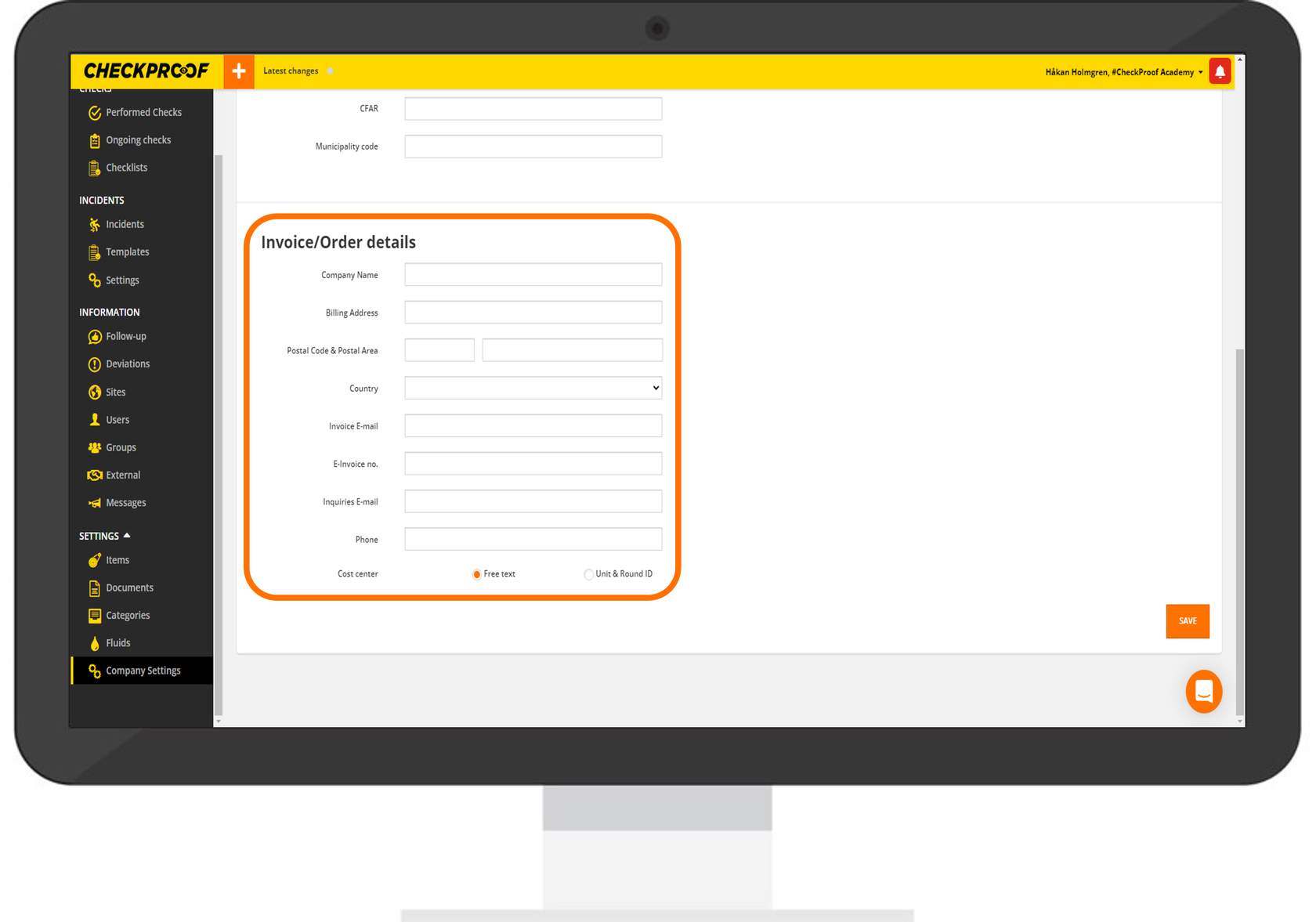
INVOICE ORDER DETAILS
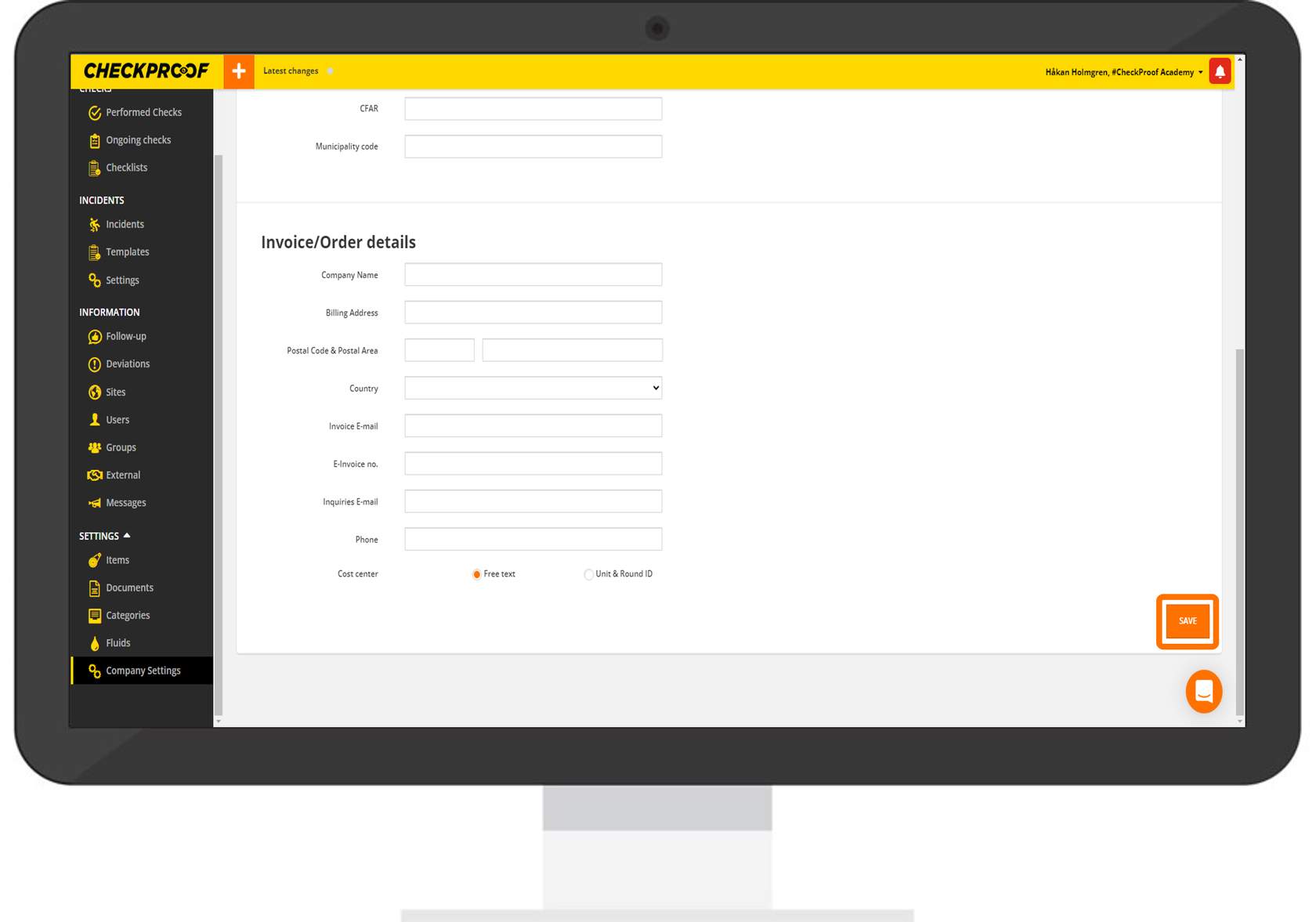
SAVE CHANGES
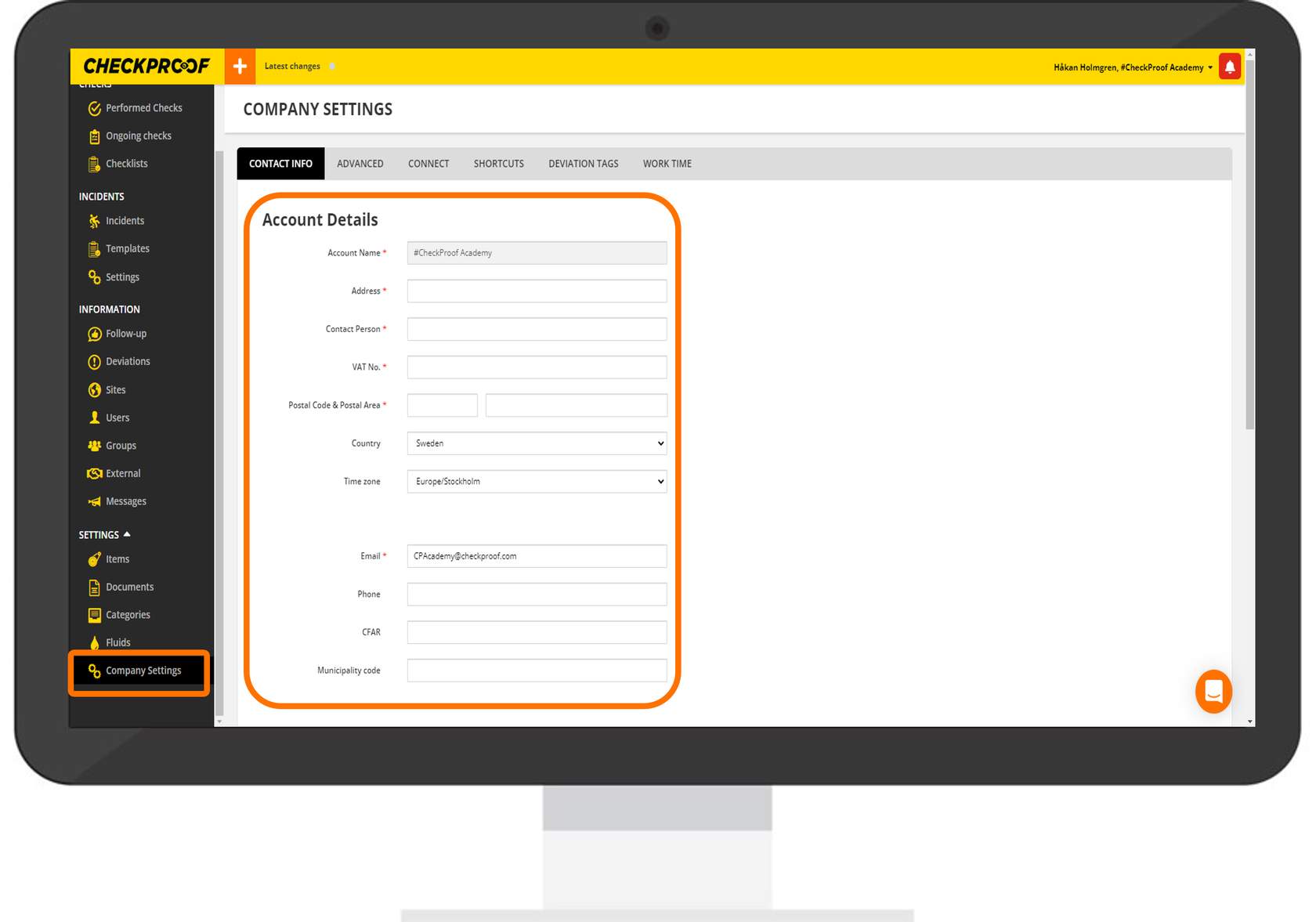
To access the “Contact Info” tab, follow these steps:
- Click on “Settings” in the left menu.
- Click on “Company Settings” under “Settings”.
- By default, you will already be on the “Contact Info” tab.
- Complete the form with your account details. The fields marked with an asterisk are mandatory.
This section is used to fill in your company’s invoice/order details.
Complete the form with the corresponding information.
Click on “Save” to keep the changes.
Great! Now you know how to update your company’s contact and invoice details.

