
Notifications
Whenever you get tagged in one of your tasks, or you get assigned a new task, you will receive a notification.
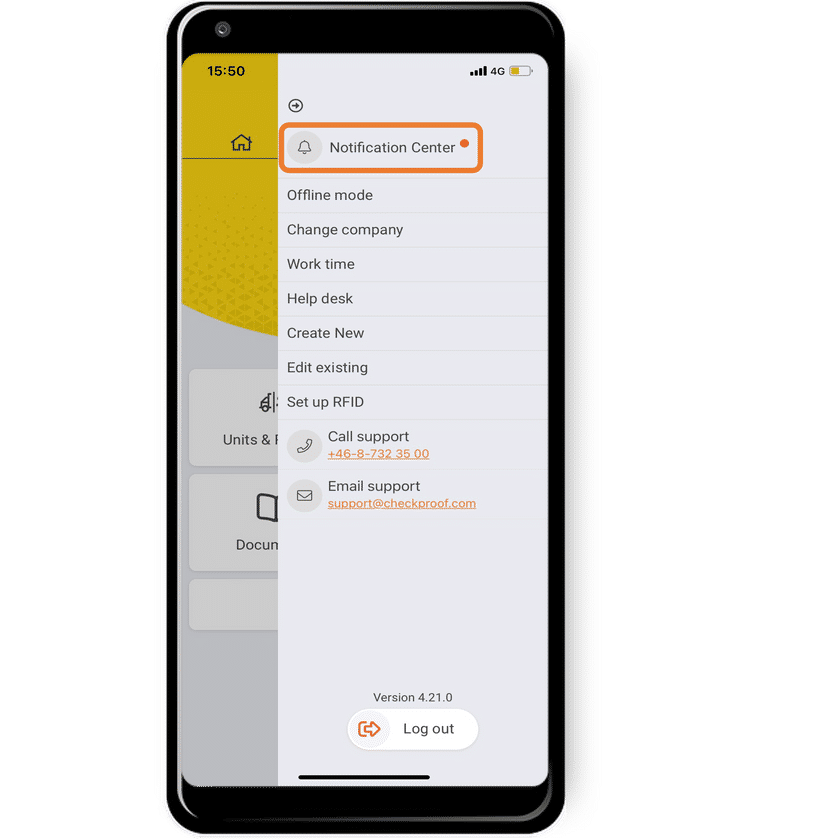
Open the Notification Center.
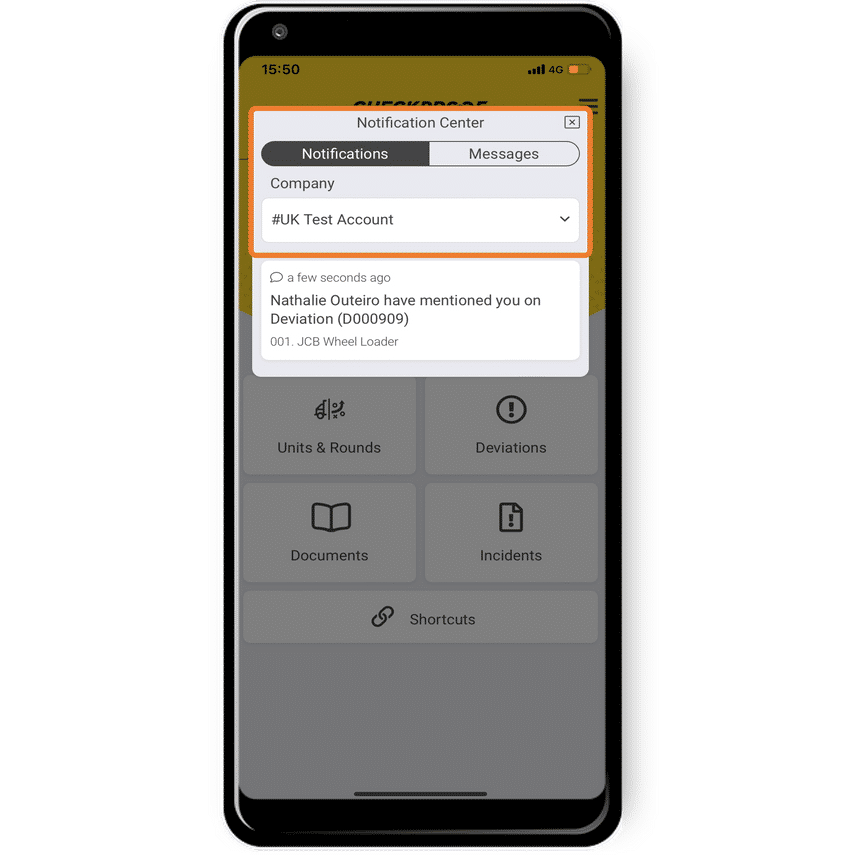
Here you will see all the relevant activities, tasks, deviations, etc. that you have been mentioned in.
The Notification Center also serves as an inbox, you can receive messages here.
Select the option you want to see.
Switch Accounts
When you have more than one company associated with your CheckProof account you can switch among them to check notifications for all of them.
- Click on the arrow icon to select your company.
View your Notifications
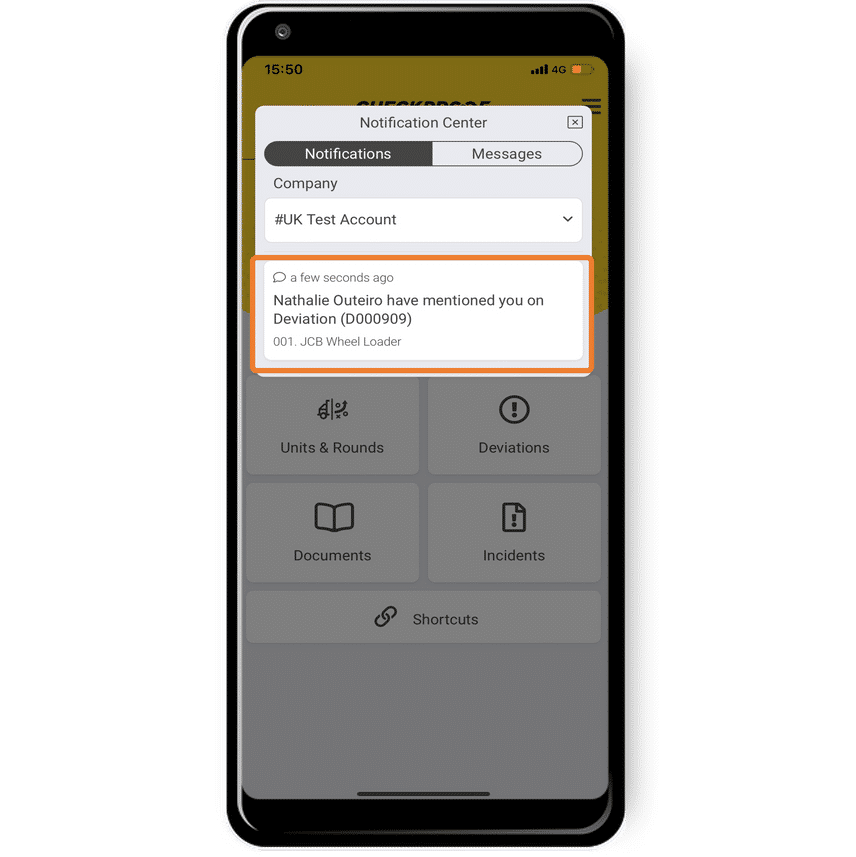
Click on the notification you want to view.
Once you’ve opened the notification you will see all the details of that notification.
If you were tagged on a deviation, clicking on it will redirect you to it.

