
Performing a Check With a Tag
Scanning a tag with your mobile phone saves you time to do the more important stuff. Let’s see how to perform a check using a tag!
1
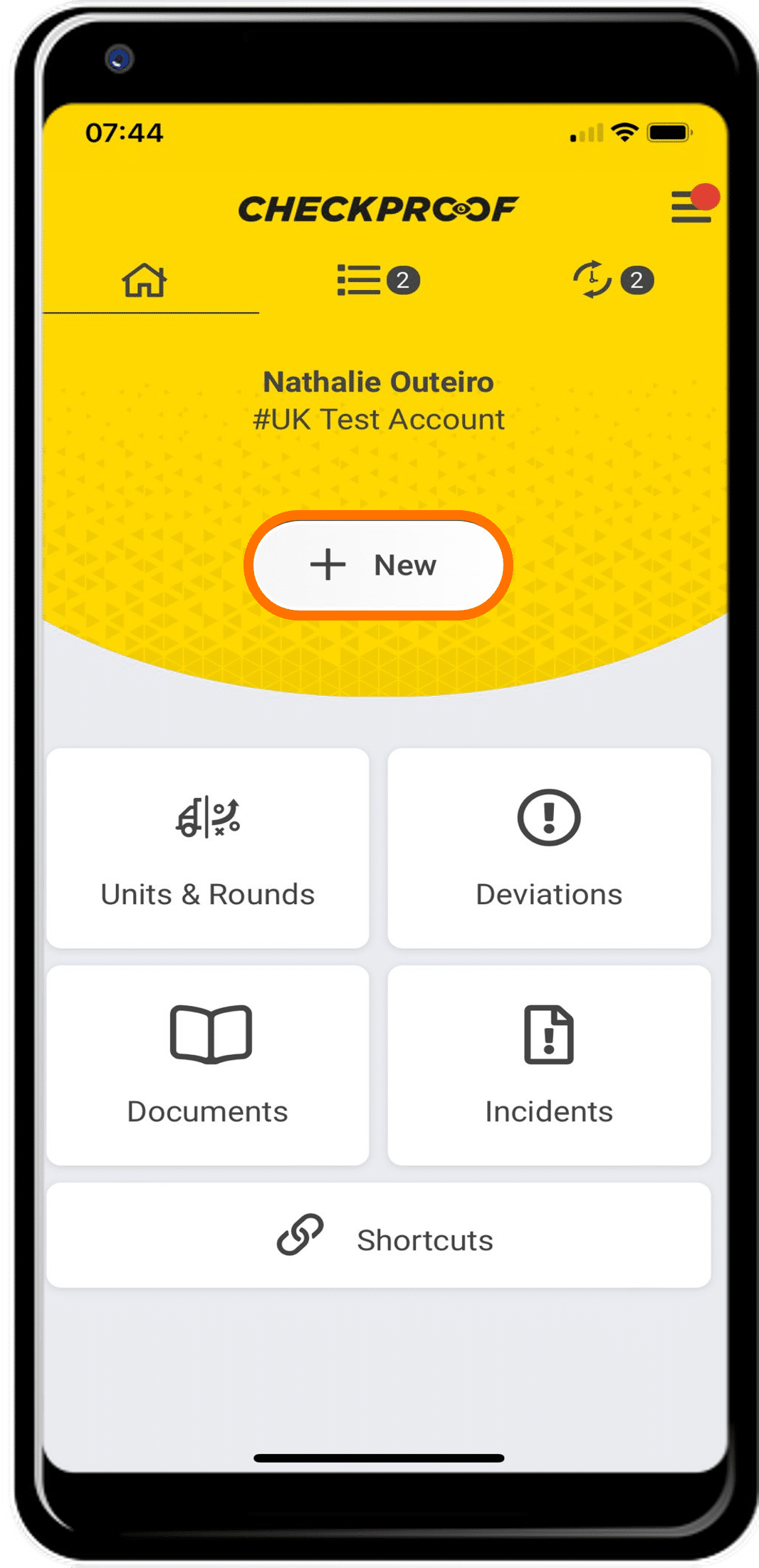
NEW
Click “New” on the homepage.
2
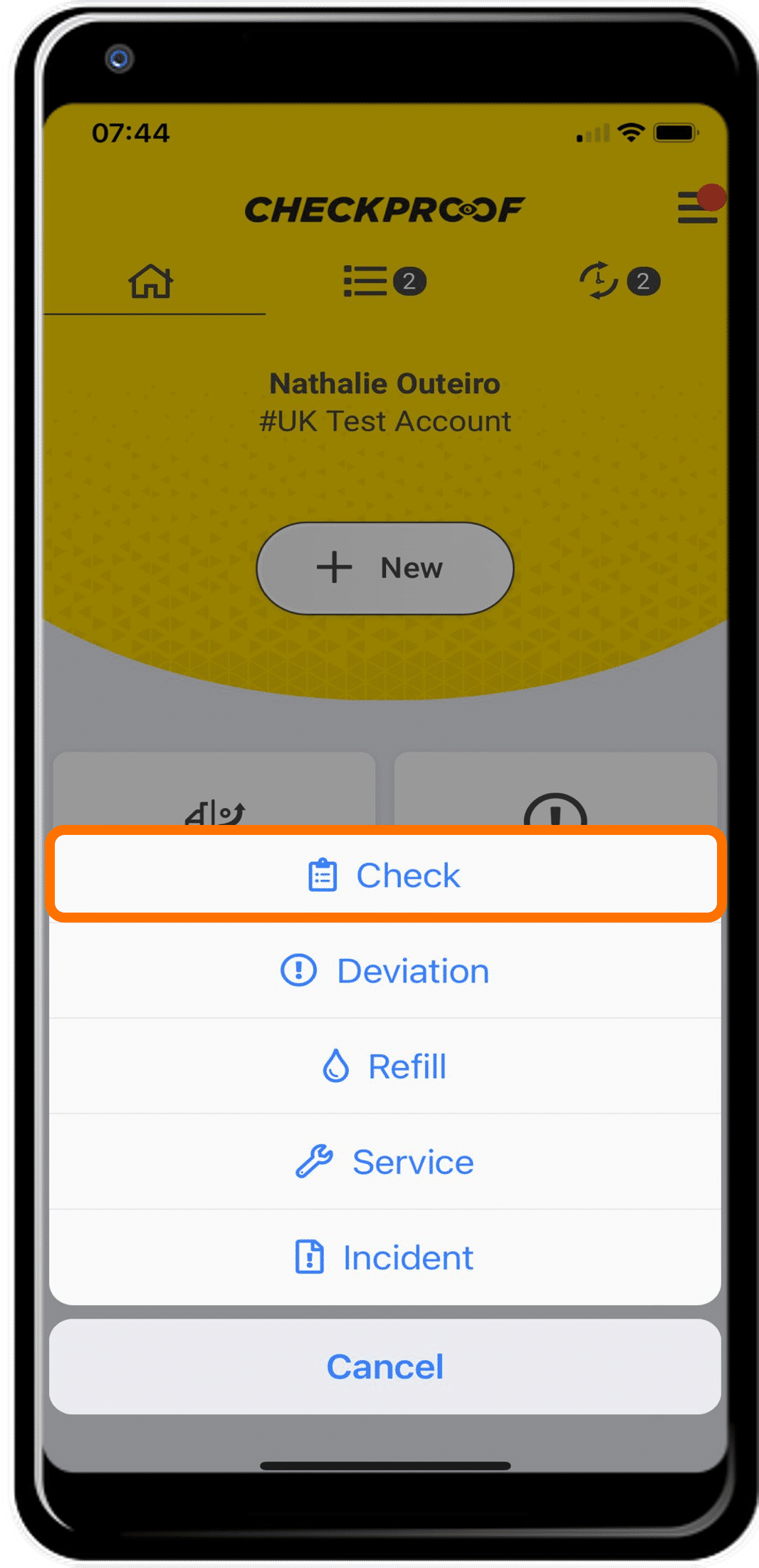
OPTIONS
Choose “Check” from the list of options.
3
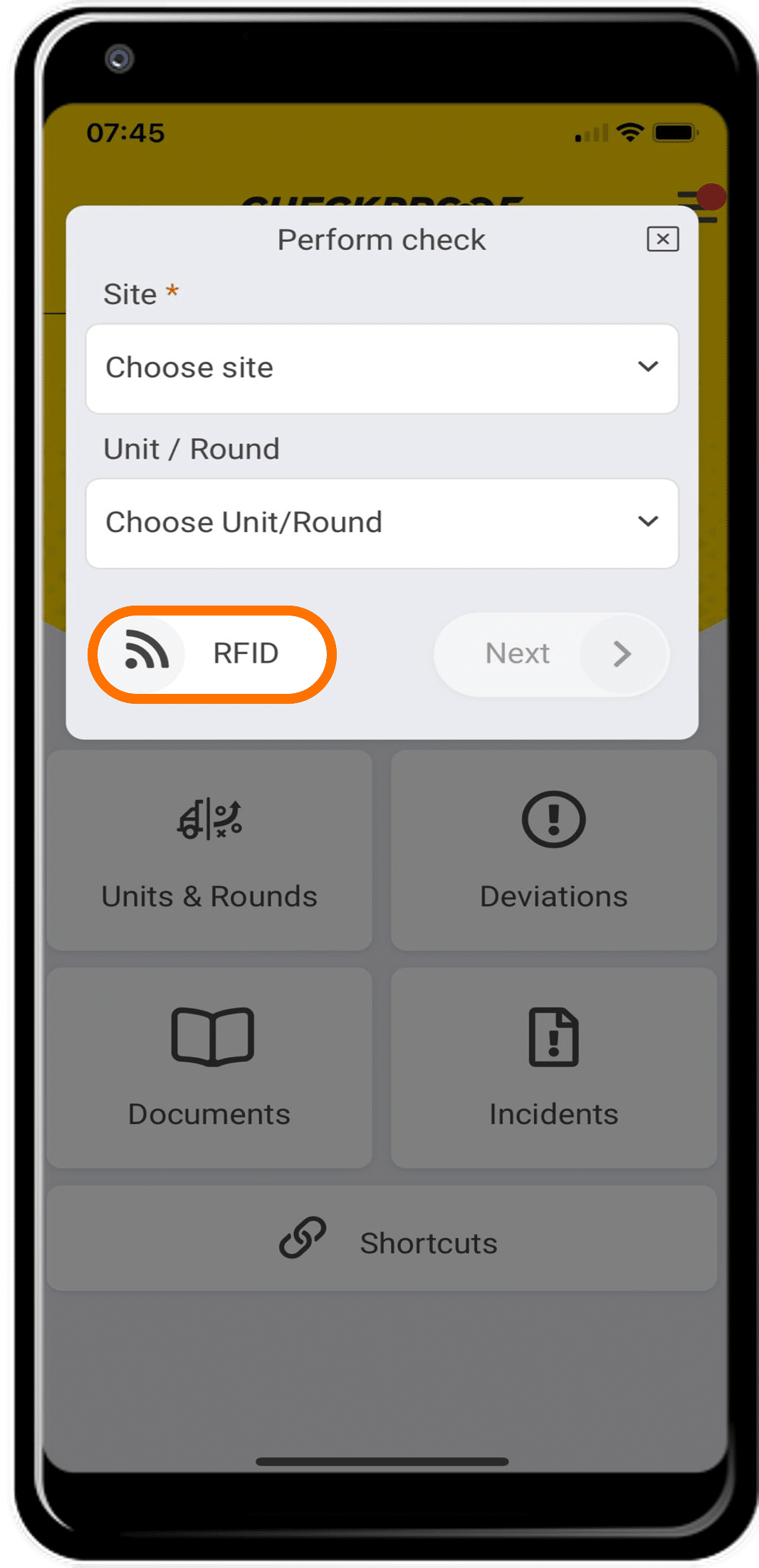
RFID
Click “RFID” to start scanning.
4
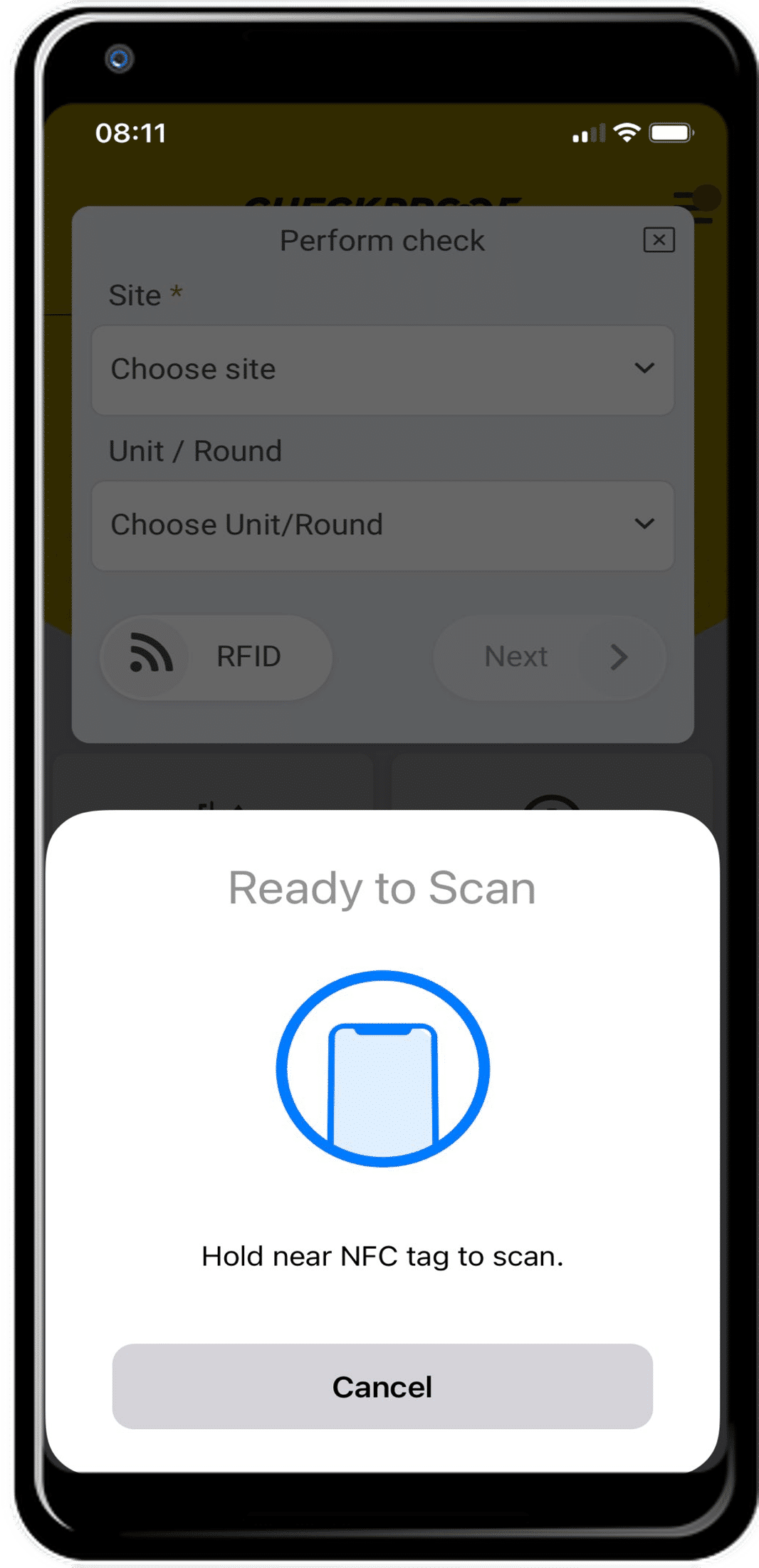
NFC TAG
Now your mobile phone is ready to scan. Hold it near the NFC tag of a unit/round that you want to perform a check on.
5
SUCCESS
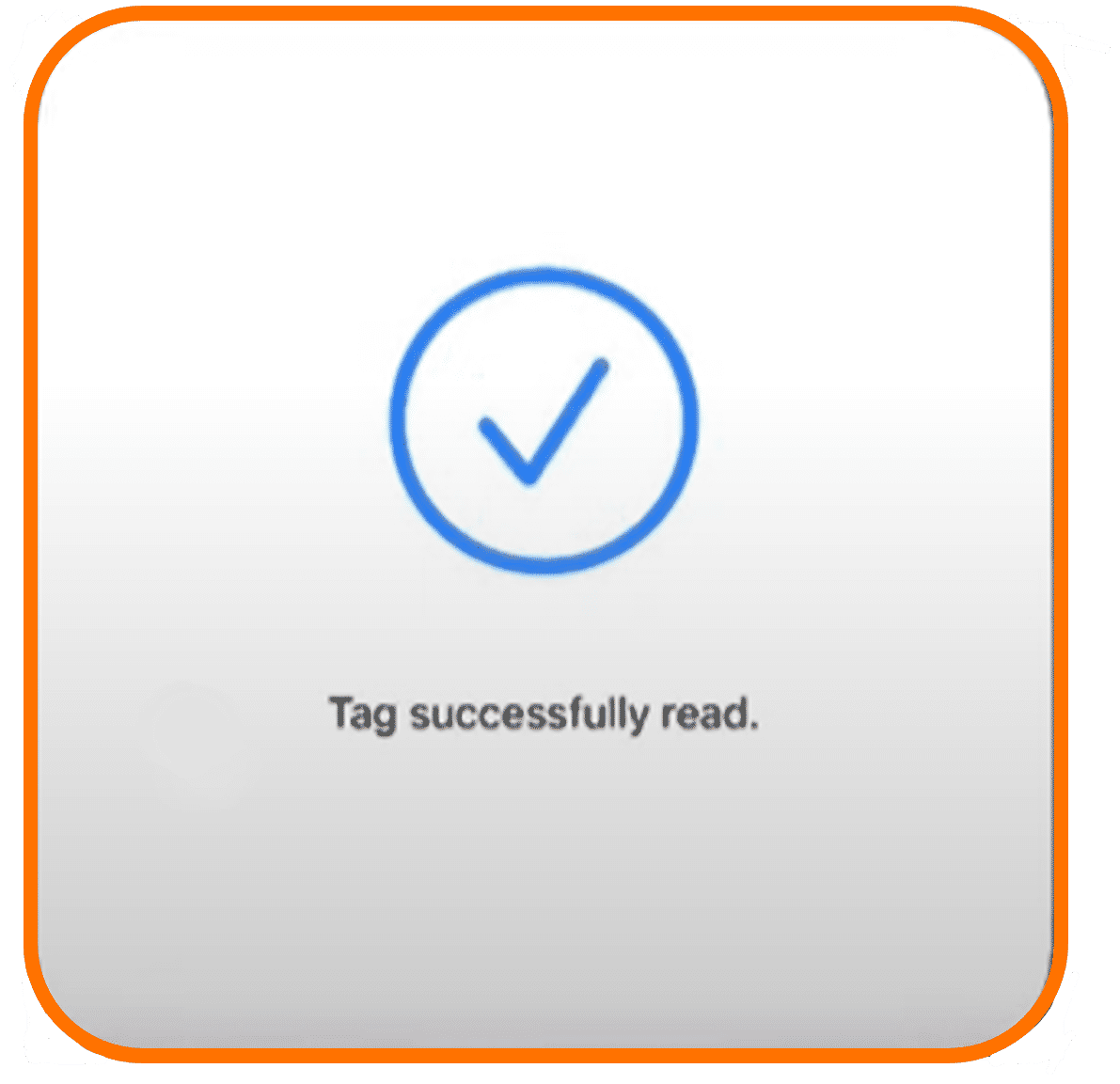
When your mobile successfully detects and scans a tag, you will receive the message “Tag Successfully Read” on your screen.
6
CONTROL QUESTION
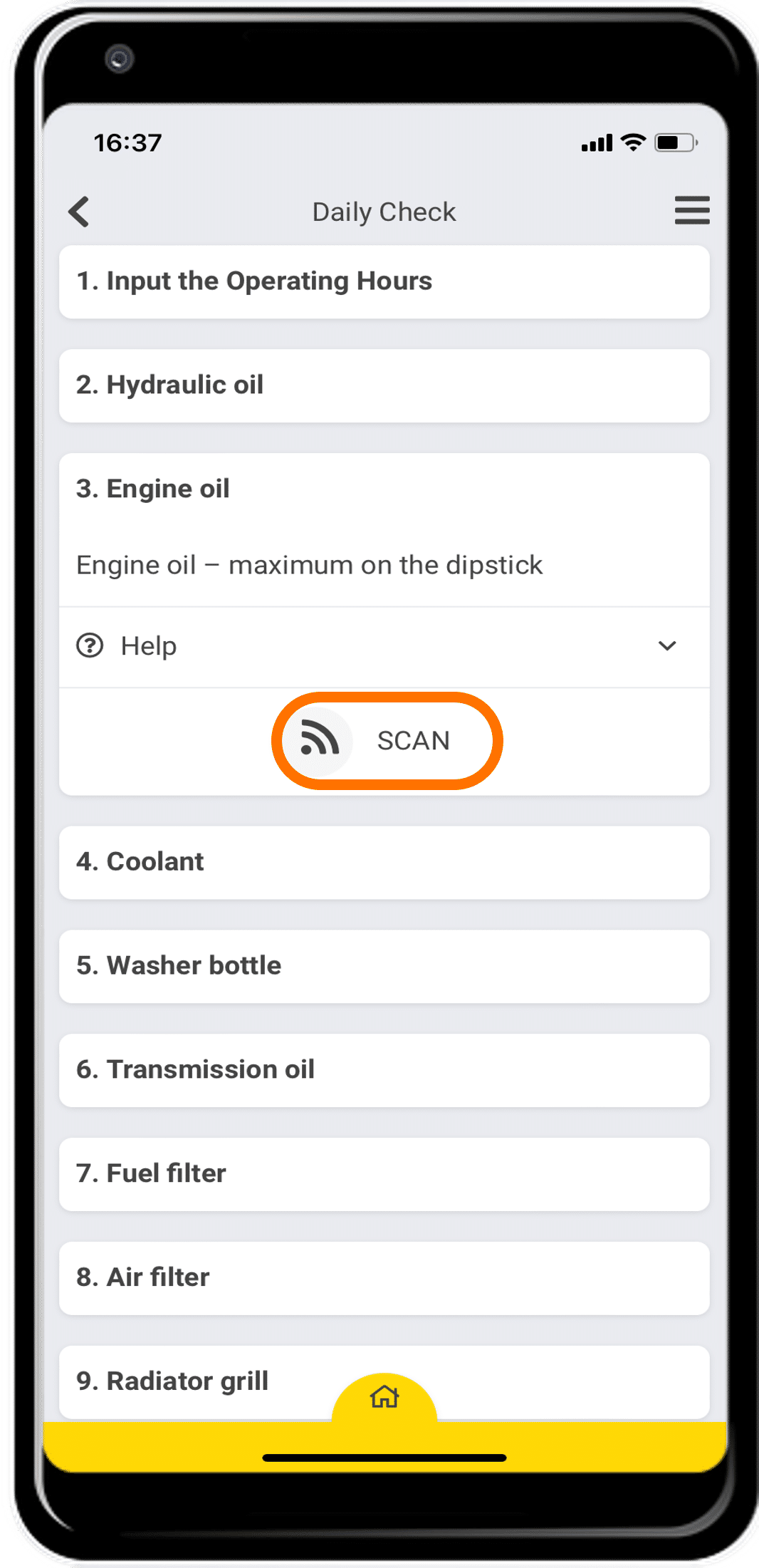
To perform a control question where there is an RFID tag connected, you need to start the control as usual and then scan the tag to be able to continue.
Great! Now you know how to perform a check with a tag.

