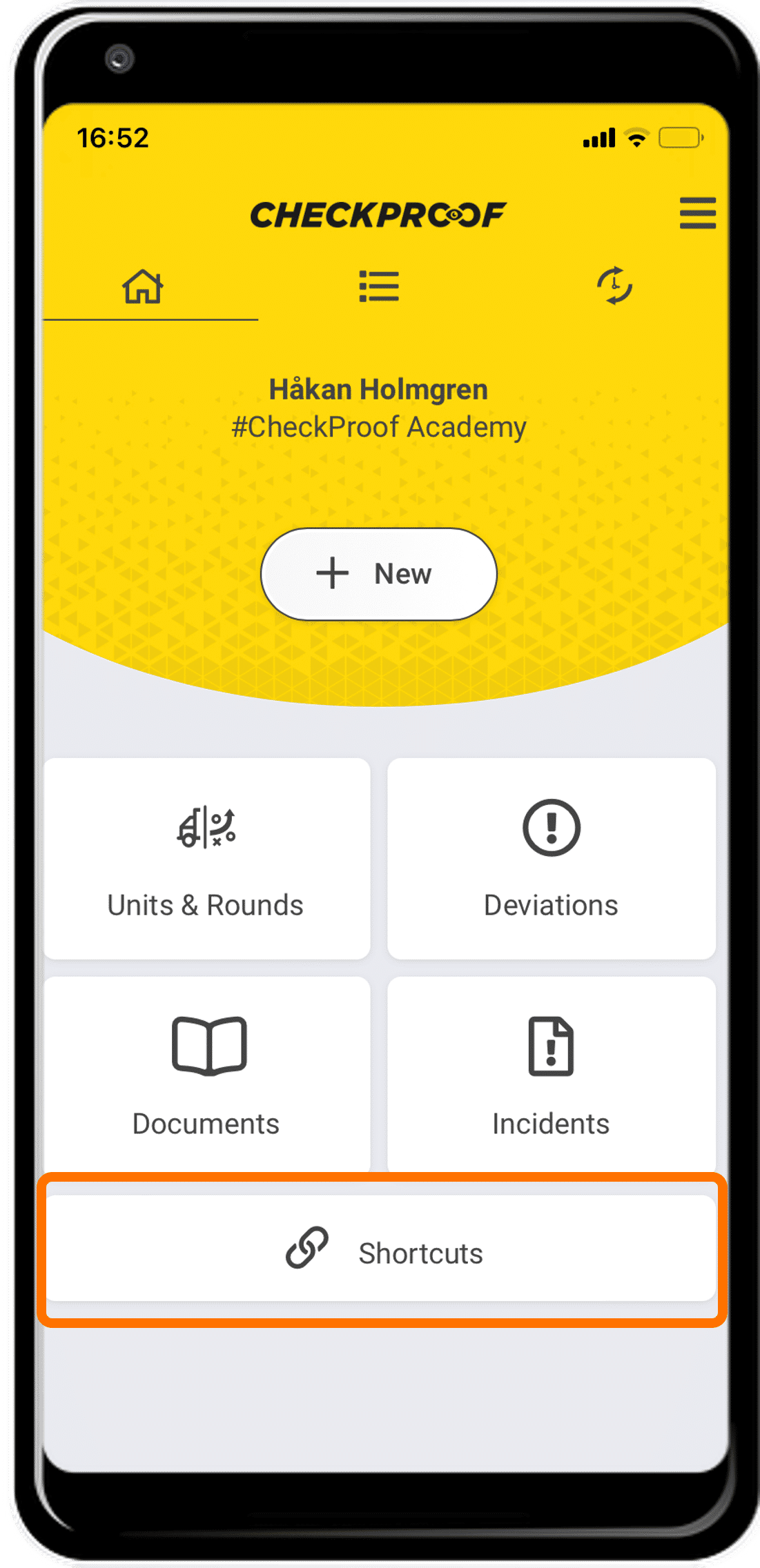
Shortcuts
Use shortcuts to direct users to a specific external website.
ADD SHORTCUT
APP VIEW
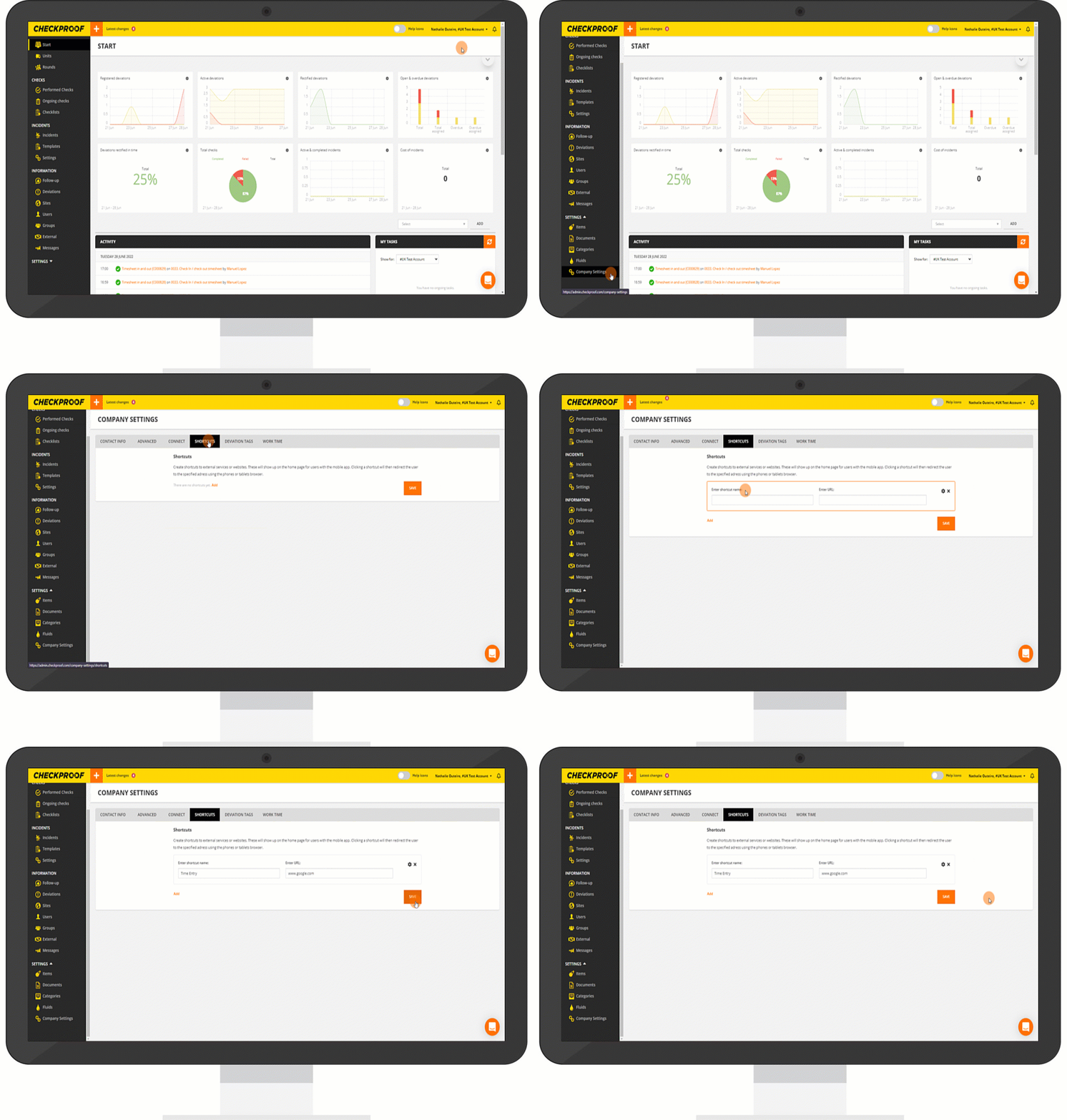
From the “Company Settings”:
- Navigate to the “Shortcuts” tab at the top of the screen.
- Click on “Add”.
- Type in a name for the shortcut and enter the URL to the website you want to direct the users to.
- Now click “Add”, and then click on “Save”.
The “Shortcuts” button will appear on the home screen of the CheckProof app.