
Viewing Performed Checks and Sending Reports
Main Menu
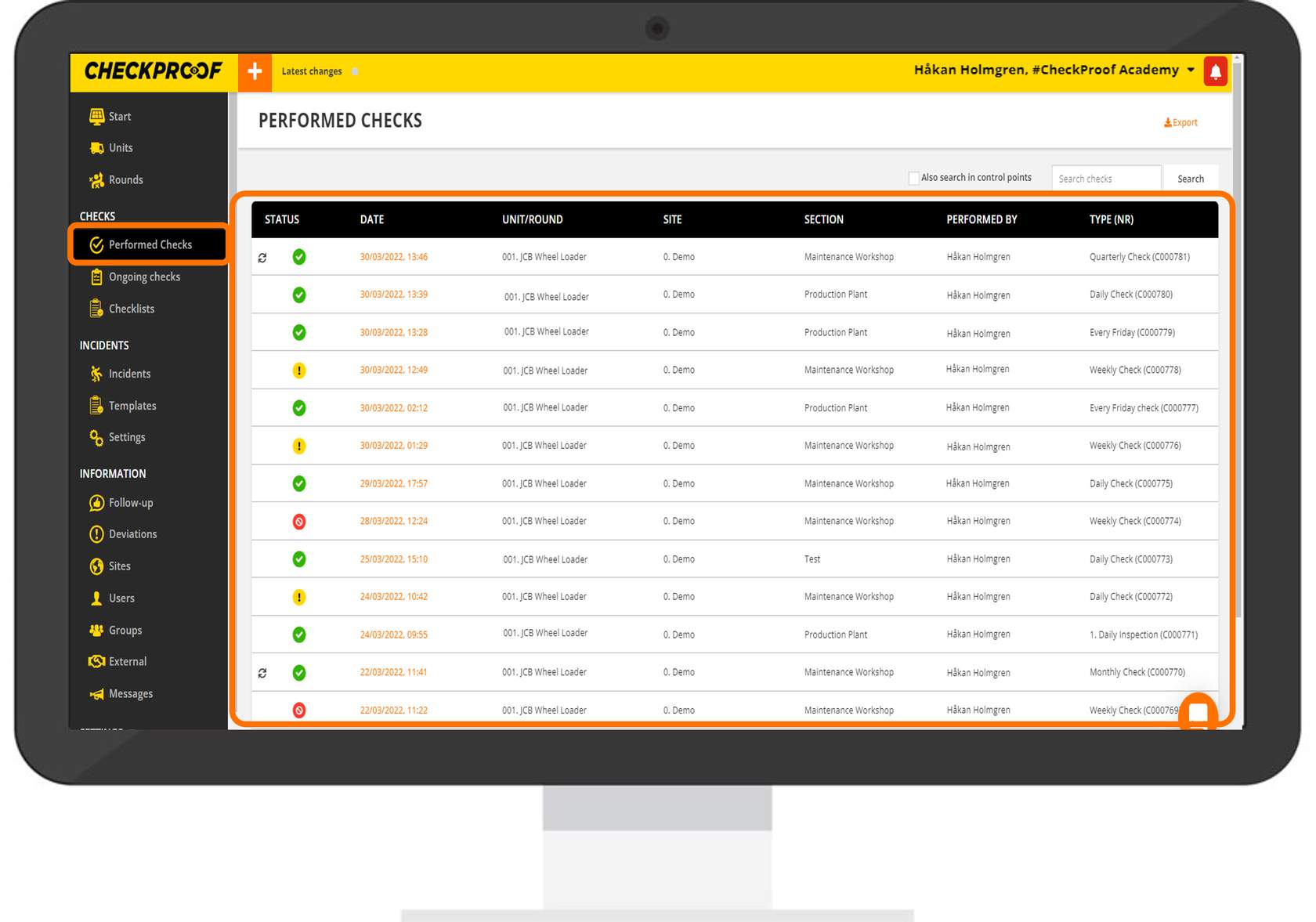
In the “Performed Checks” menu you can see all the checks that have been submitted. The colors indicate the status of each check:
- Green: The performed check does not have any deviations.
- Yellow: The performed check has at least one yellow deviation.
- Red: The performed check has at least one red deviation.
Refine the View
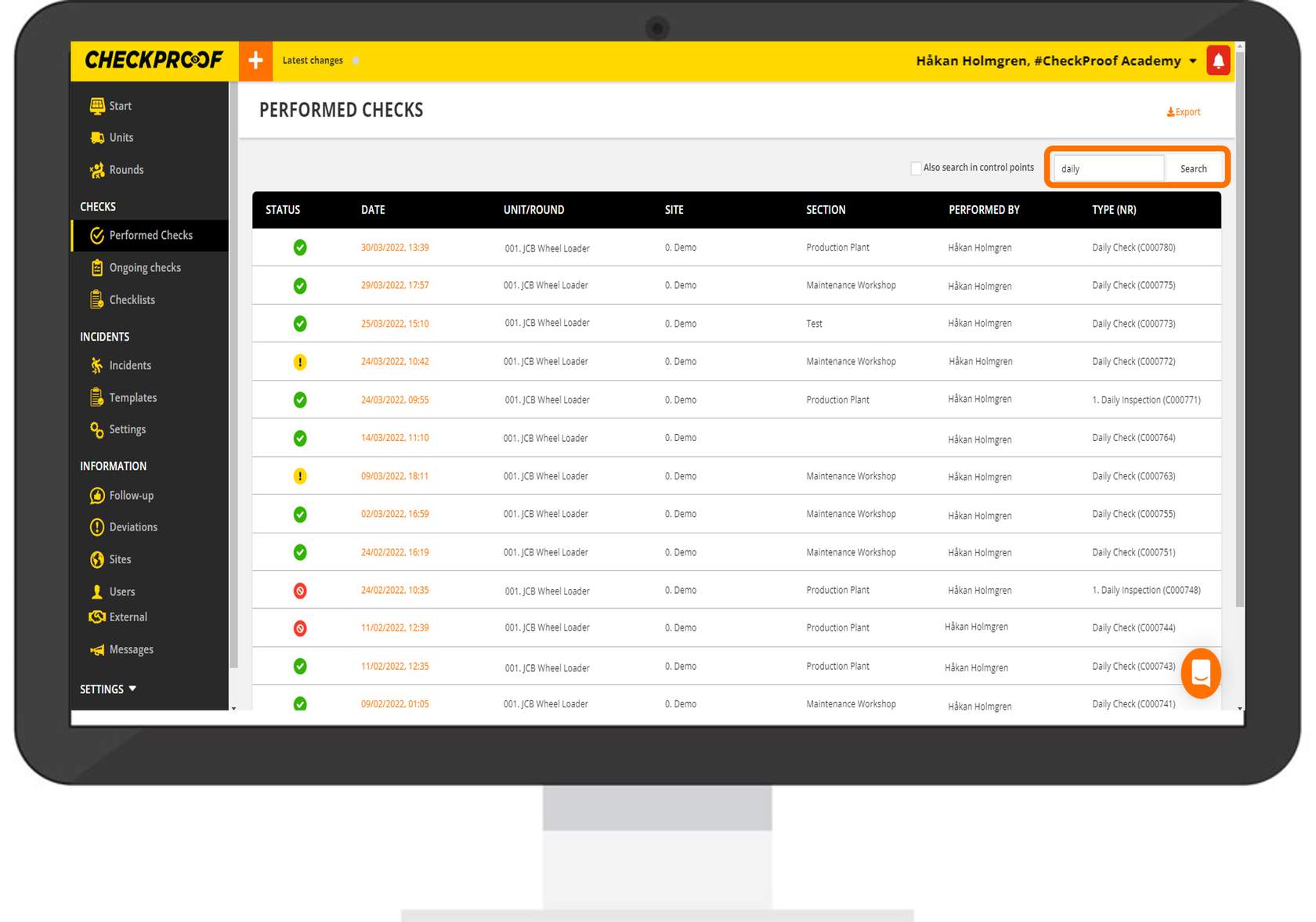
In the search box, you can search by unit, round, or type (number) of a check.
You can also filter the
list by “Status”, “Date”, “Unit/Round”, “Site”, “Section”, “Performed By” or “Type (Nr)”.
USE THE SEARCH BAR
You can now use the search bar to search for a specific performed check.
To do this, you can type in a keyword related to the status, date, unit, round, site, section, the person responsible, or type.
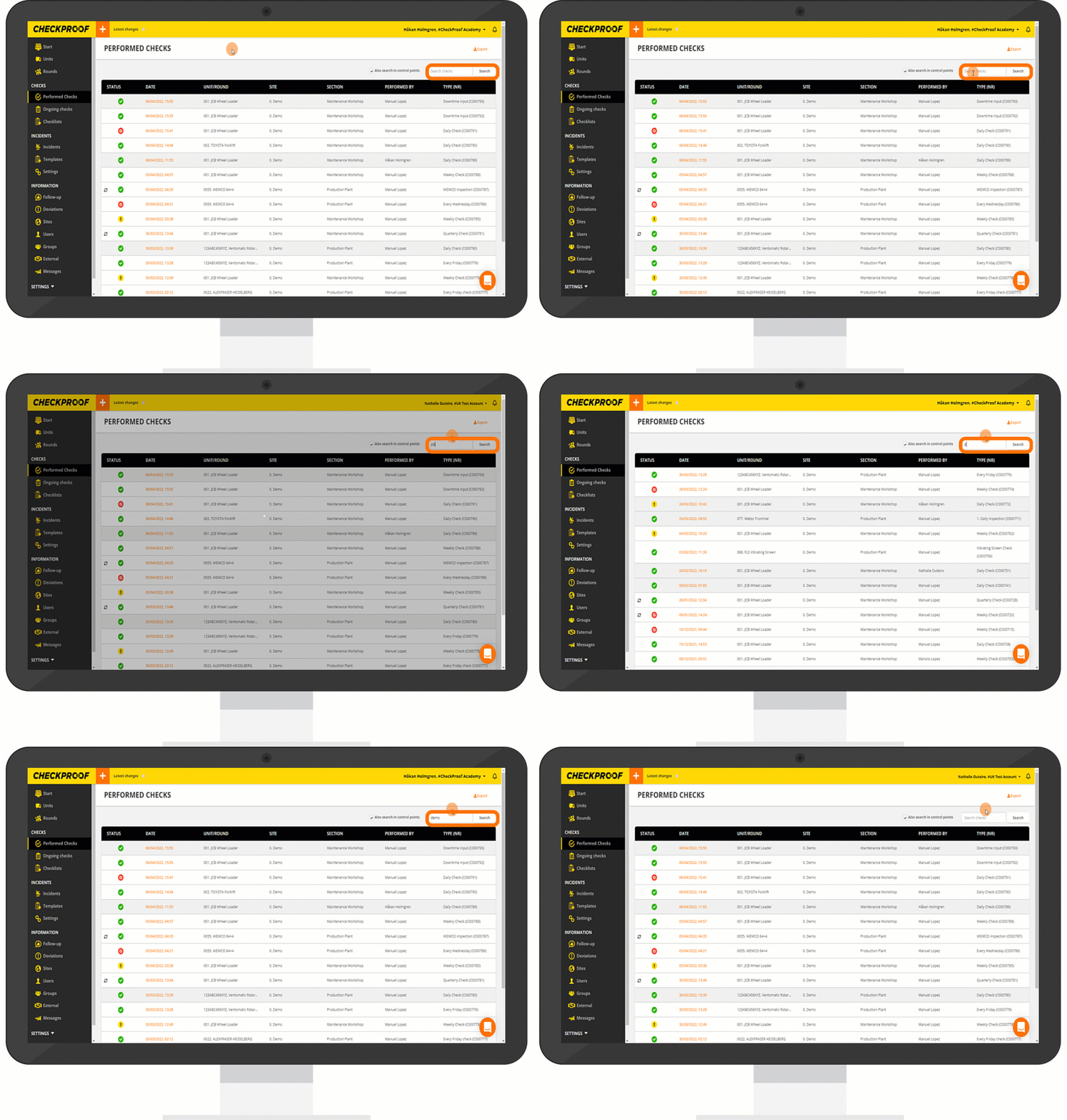
Take a look at the example below to see how to search for a check by unit, round, or site.
Click the GIF to magnify it.
Continue on to learn how to export and share a performed check.

