
Viewing and filtering units
With the CheckProof Admin Panel, you can filter units to save time when looking for a specific unit.
1
View all units
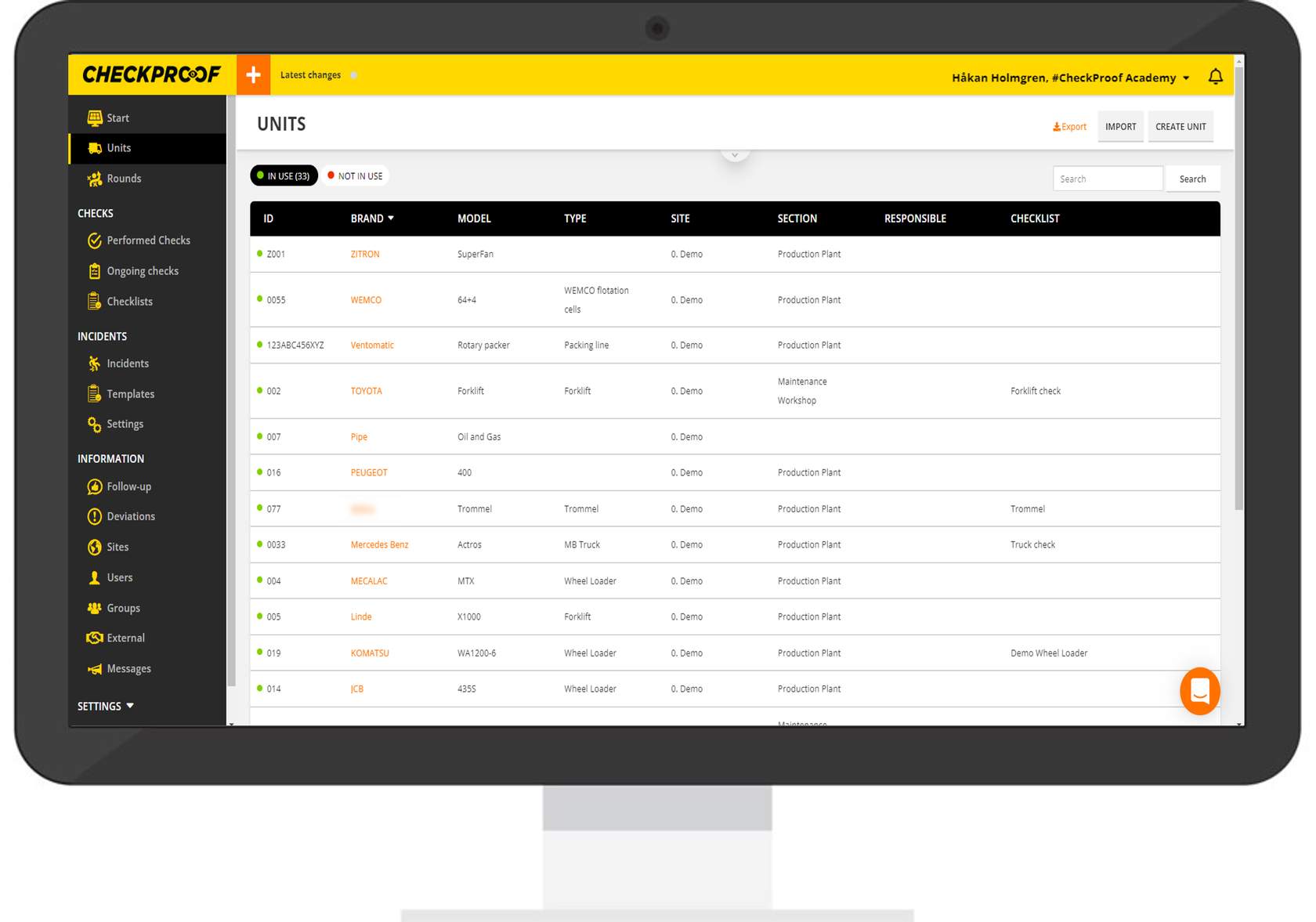
To view a list of all units, click “Units” in the left-side panel.
2
View according to usage
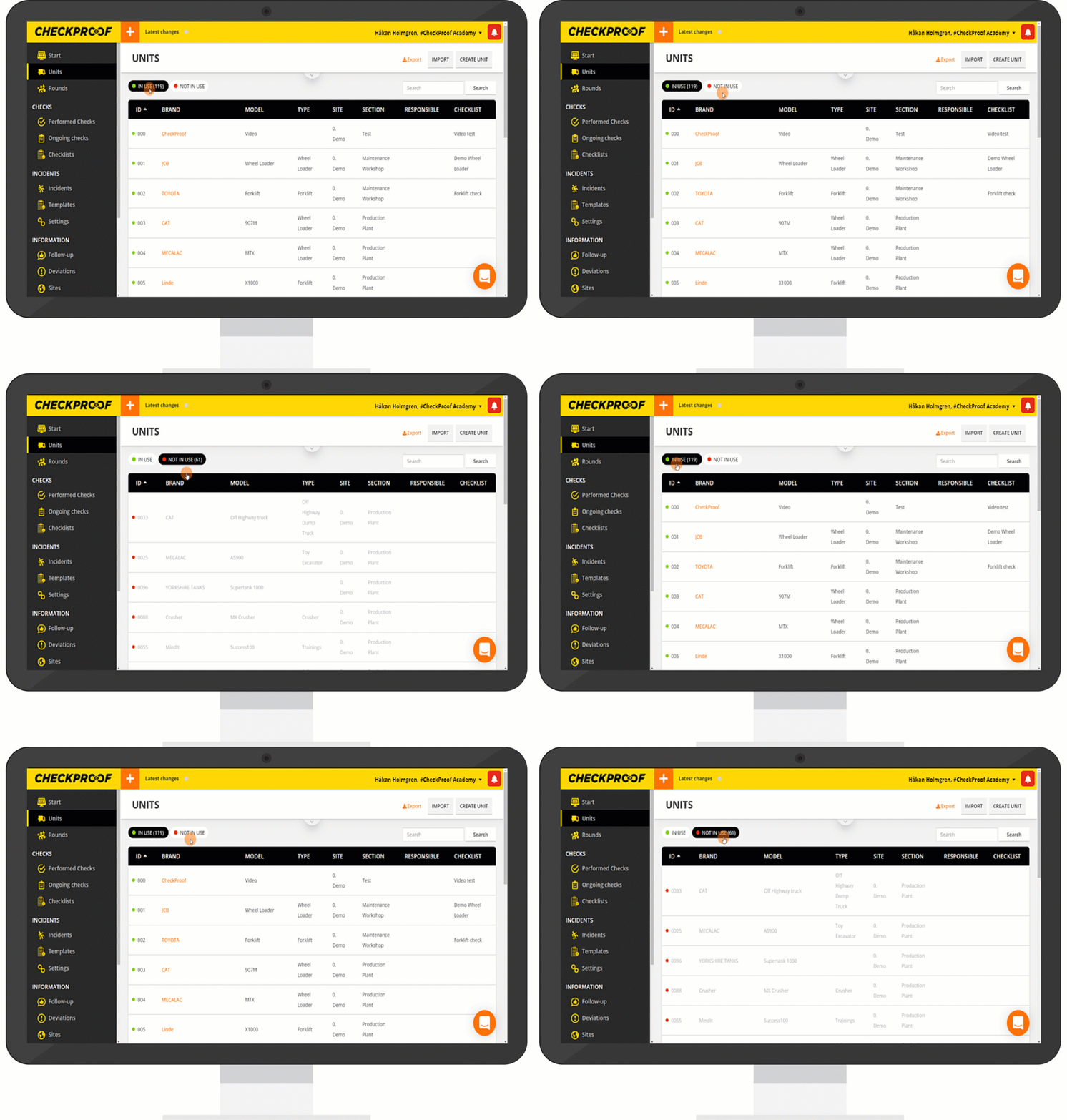
You can choose to view units that are set to “Not in Use” by clicking the “Not in Use” button. You can easily navigate back to viewing the in-use units by clicking the “In Use” button.
Click the markers on the graphic below to learn more about the different filter options.
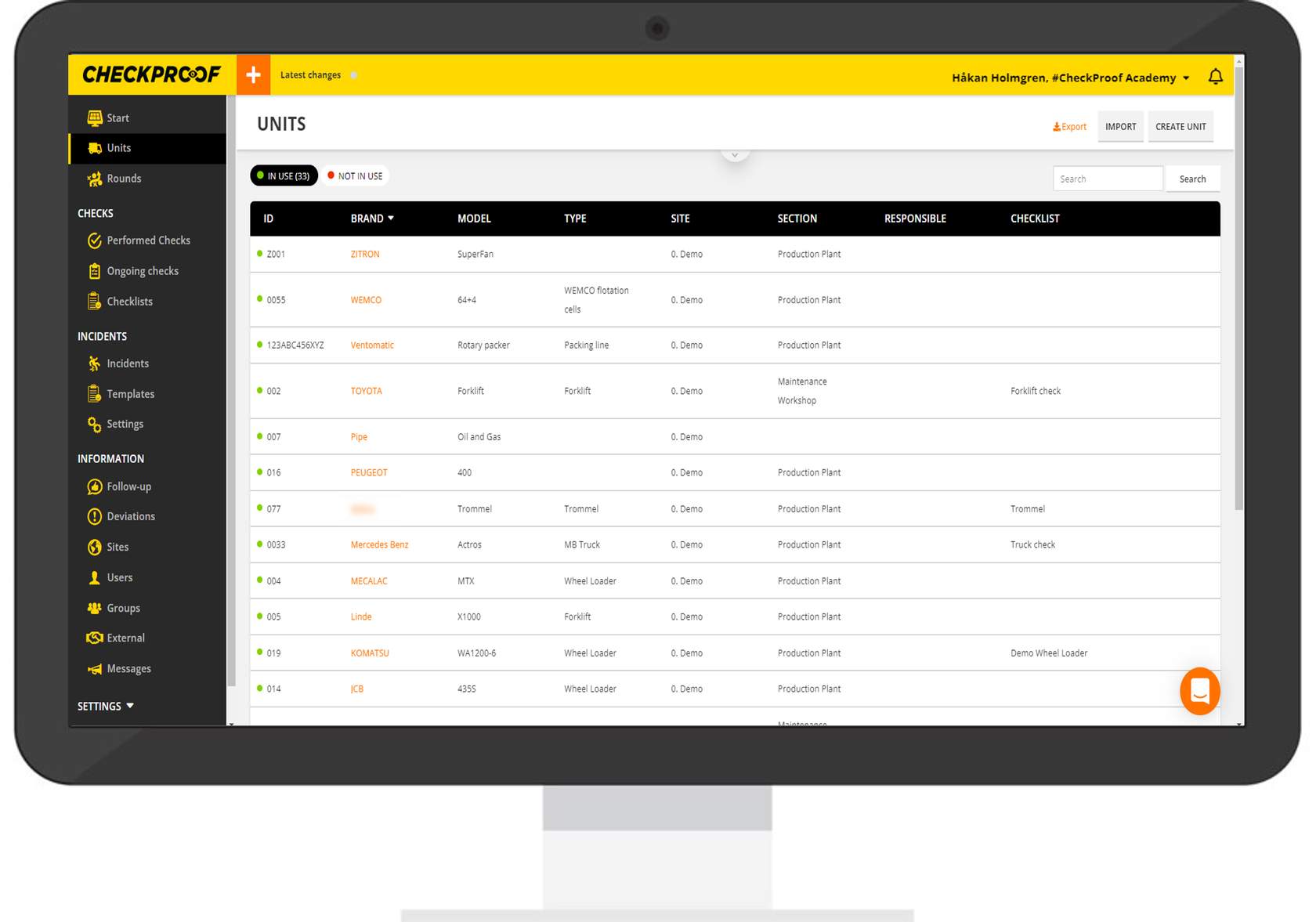
Filter by ID
Filter by Brand
Filter by Model
Filter by Type
Filter by Site
Filter by Section
Filter by Responsible
Filter by Checklist
Note: The arrow icon will only appear when you hover over the filter heading.
Great! Now you know how to filter units.

