
Signing In
Once you have received access to CheckProof, you are ready to sign in to your CheckProof account.
Scroll through the steps below to see how to sign in to the system!
1

- Go to the CheckProof homepage.
- Click the “Login” button at the top of the page.
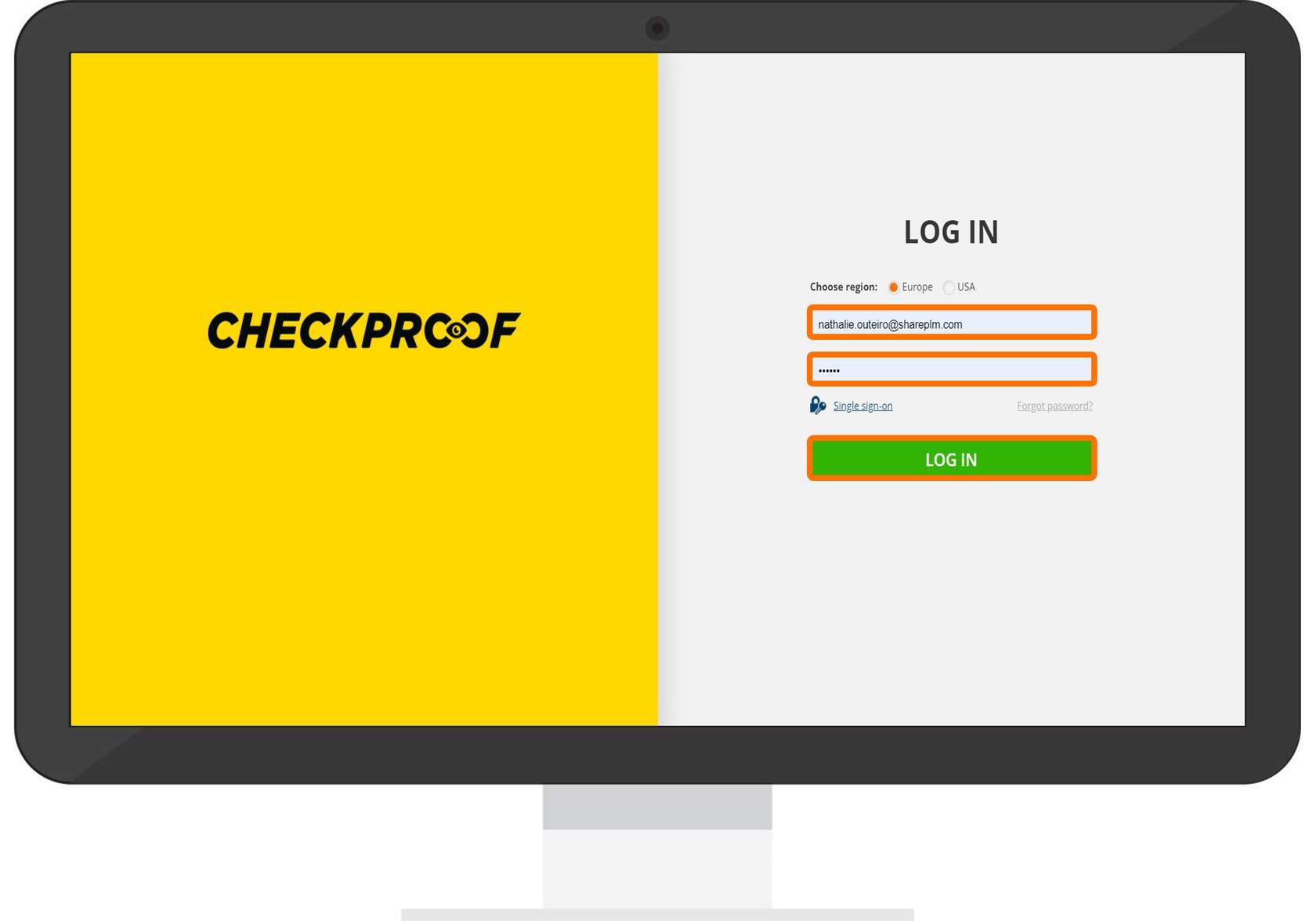
Here you need to enter your email address and password, then click the “Log In” button.
If you want to utilize the “Single Sign-On” option, you can connect to Microsoft Azure AD.
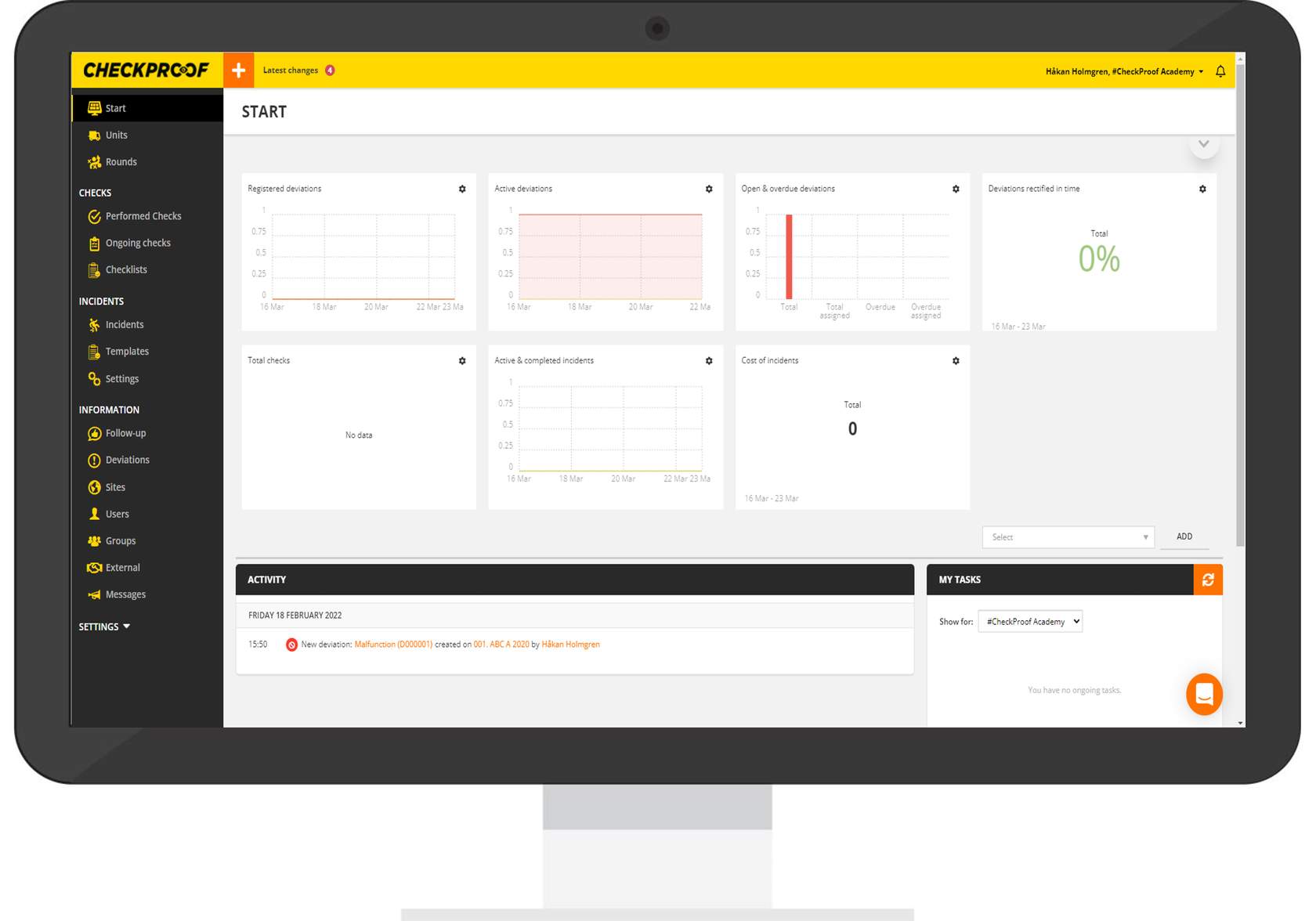
Great! You should now be successfully signed in!
The application’s Admin Panel home screen will open automatically.

