
Viewing and Filtering Ongoing Checks
In this lesson, you will learn how to view and filter ongoing checks.
Step 1
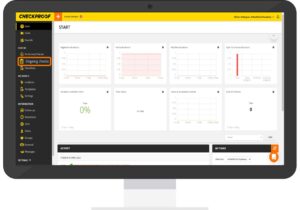
First you need to navigate to the “Ongoing Checks” page which can be found by clicking “Ongoing Checks” in the left-side panel.
Step 2
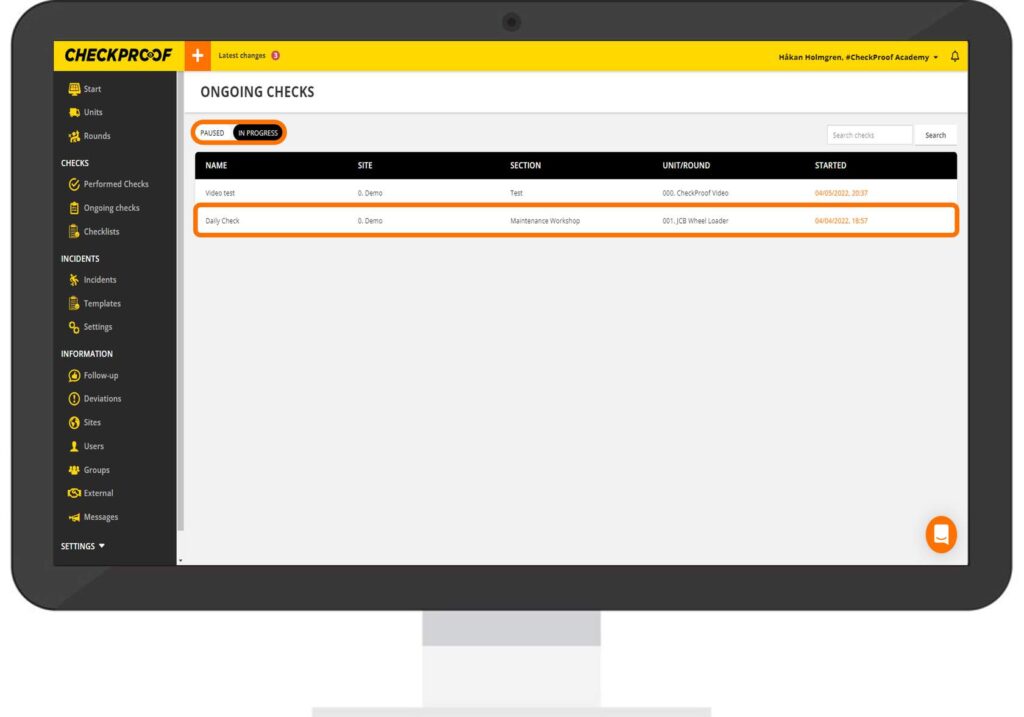
You can switch between the “In Progress” checks and “Paused” checks by clicking the buttons at the top left of the screen.
Select the check that you want to view from the list.
Great! Now you know how to view both paused and ongoing checks that are in progress.
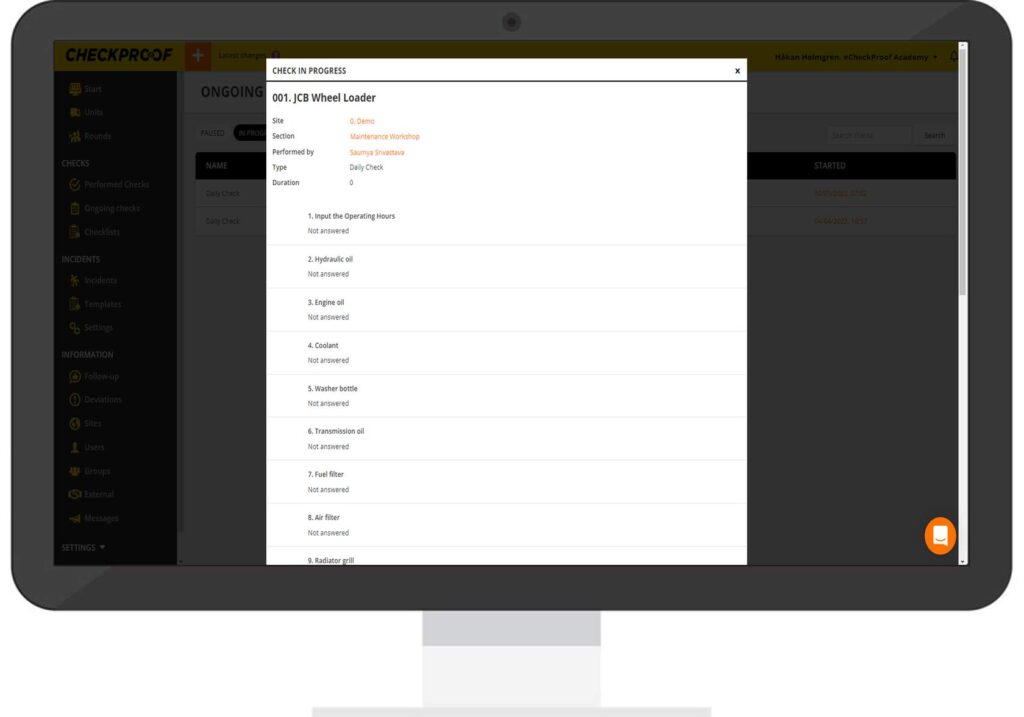
Click on the markers below to see how you can filter the ongoing checks that are in progress.
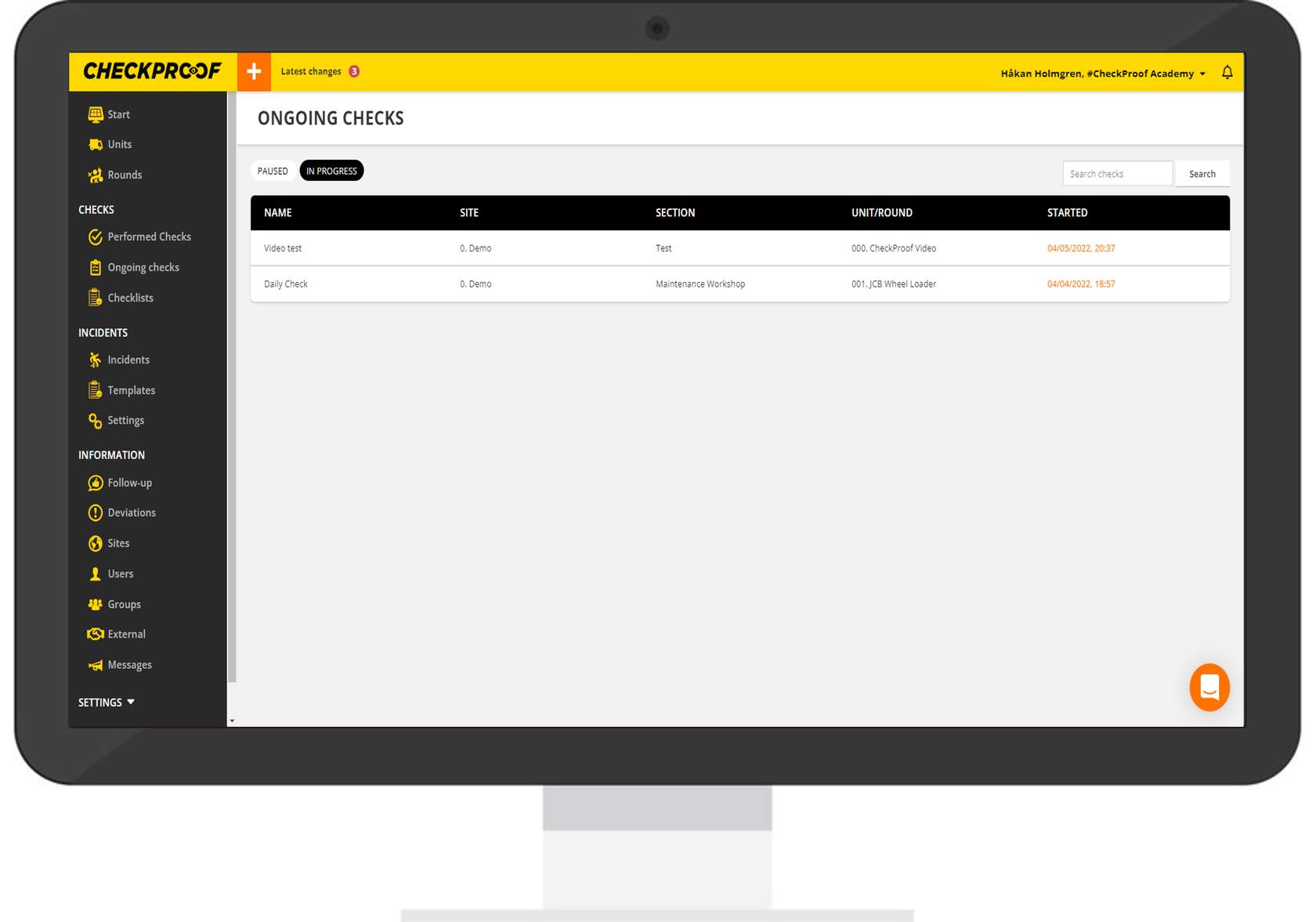
Name
SITE
SECTION
UNIT/ROUND
STARTED
Note that the “Estimated time” field is optional.
Great! Now you know how to view and filter ongoing checks.

